

CrossNotes

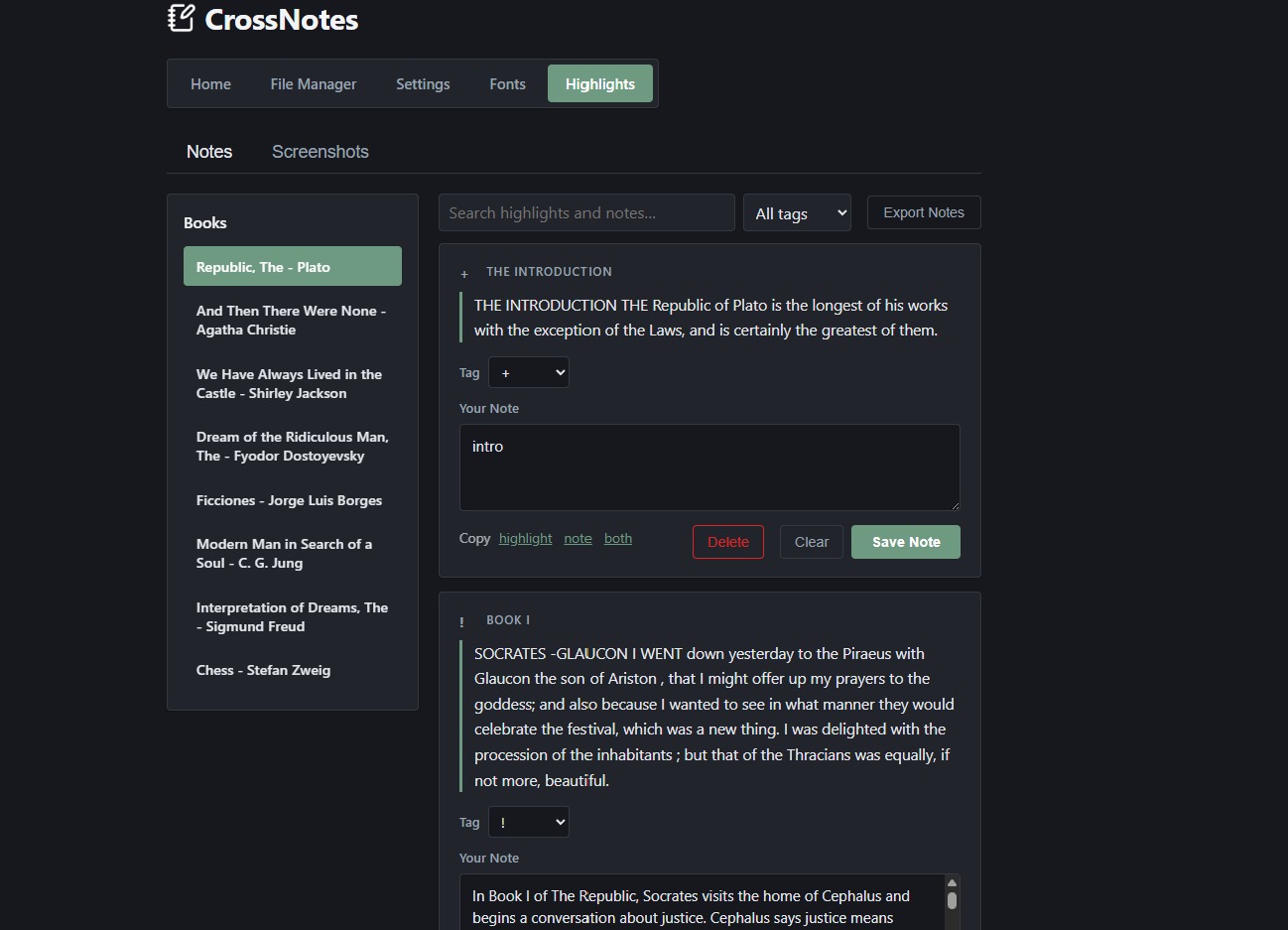
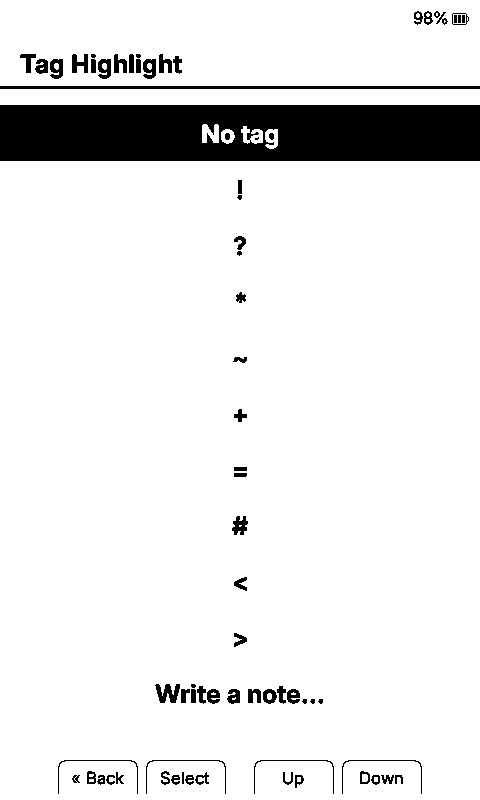
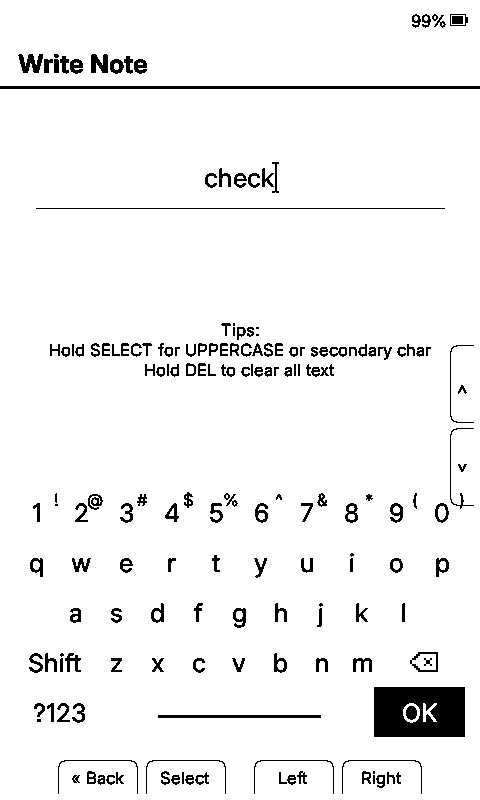
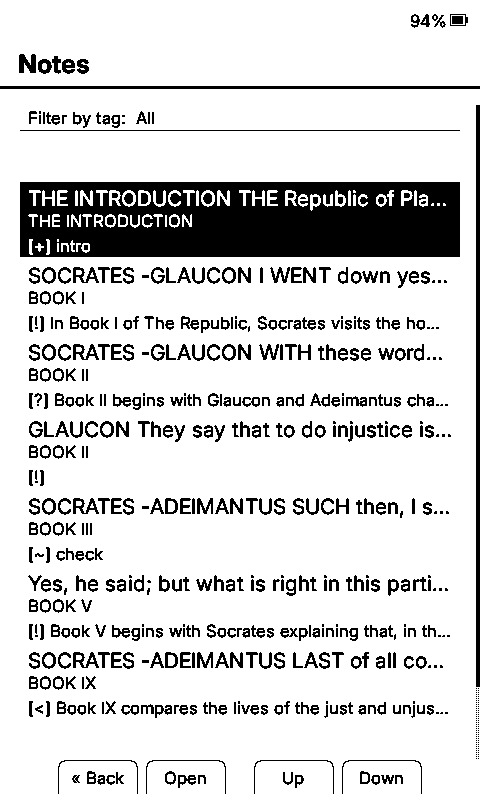
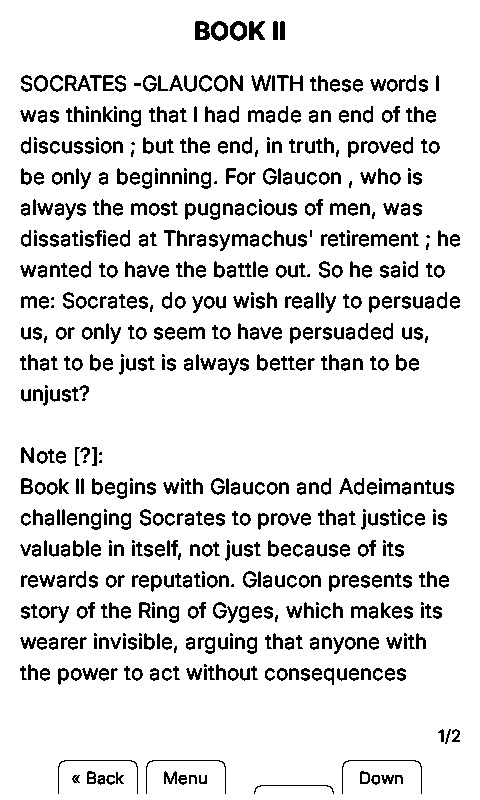
Custom firmware for the Xteink X4 and Xteink X3 e-ink readers. It adds tags and written notes to highlights, lets you edit them from a phone, and exports them as Markdown. A fork of CrossInk.

Devices
Xteink X4, Xteink X3
Formats
EPUB, TXT, XTC
Based on
CrossInk
Licence
MIT, free

Download Source on GitHub

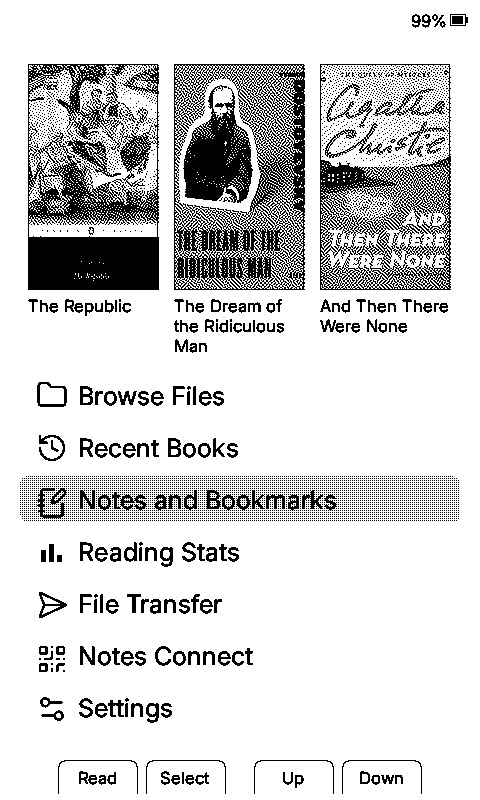
Screens

Swipe to see more

What it adds

Installation

  1. Download firmware-*.bin from the releases page.
  2. Connect the X4 or X3 by USB-C and wake it.
  3. Open the CrossPoint web installer, select the device, choose Custom .bin, flash.

Flashing replaces the firmware only. Books, highlights and notes are on the SD card and stay there. Stock firmware or CrossInk can be flashed back from the same page.

Where the notes live

Notes and tags are written to the SD card under /.crosspoint/notes/ as JSON, one file per book. Highlights stay in CrossInk's own format under /.crosspoint/clippings/. Nothing is sent anywhere, and no account is involved — the phone interface runs on the device's own hotspot.

Lineage

CrossPoint Reader is the open-source firmware project for these e-readers. CrossInk is a fork of it that reworks fonts and the reader. CrossNotes is a fork of CrossInk that adds the note-taking described above, and merges CrossInk's releases as they appear.

Questions

Which devices does it run on?
The Xteink X4 and X3. Built on CrossInk, so the same hardware support applies.
How is it different from CrossInk?
It adds tags, notes, the phone interface and Markdown export. Nothing in CrossInk is removed.
Does it replace the stock Xteink software?
Yes. It replaces the firmware on the device. The stock software can be flashed back at any time.
Does it cost anything?
No. MIT licence, source on GitHub.
Can I go back?
Yes, by flashing CrossInk or stock firmware from the same installer. SD card contents are untouched.
Is it finished?
It works and is used daily, but it is a personal project by one person. Bugs are possible. Report them on GitHub.